Mesh Wi-Fi vs Wi-Fi Extender: Which Do You Actually Need?
Mesh Wi-Fi vs extender: how each works, why single-radio extenders can halve speed, when mesh is worth it, and wired options like MoCA and access points.
Disclosure: HomeTechAdviser is reader-supported. We may earn a commission when you buy through links on this page, at no extra cost to you. As an Amazon Associate we earn from qualifying purchases. Read our affiliate disclosure.
In this article
- Mesh vs extender at a glance
- How a Wi-Fi extender works
- How mesh Wi-Fi works
- How many mesh nodes do you need?
- Can you mix extenders and mesh?
- The wired options that beat both
- Which should you buy?
- FAQ
- Do Wi-Fi extenders cut your speed in half?
- Is mesh Wi-Fi better than an extender for a two-story house?
- Should I use an access point instead of an extender?
- Why does my extender create a separate “_EXT” network?
- Can I add an extender to my mesh system?
If part of your home has weak Wi-Fi, you’ll quickly run into the mesh Wi-Fi vs extender question. Both fill dead zones, but they work very differently, and the cheaper option can cost you speed. This guide explains the difference in plain terms, shows when each one makes sense, and covers the wired alternatives that often beat both.
Quick answer: for one weak room in a small home, a dual-band Wi-Fi extender is the cheap fix. For a home of roughly 2,000 sq ft or more, multiple floors, or several dead zones, a mesh system gives one network name, smooth roaming and more consistent speeds. If you can run a cable (Ethernet, or coax with MoCA), a wired access point or wired mesh node beats any wireless option.
Mesh vs extender at a glance
| Wi-Fi extender | Mesh Wi-Fi system | |
|---|---|---|
| What it is | One add-on that repeats your router’s signal | A set of matching nodes that replace your router’s Wi-Fi |
| Network name | Often a separate “_EXT” network by default | One network name for the whole home |
| Moving around | Devices may stick to the weaker signal | Devices are handed between nodes |
| Speed through it | Single-radio models can roughly halve throughput | Better, best with a dedicated backhaul band or wired backhaul |
| Best for | One dead room, small budget | Larger homes, multiple floors, many devices |
| Works with your router | Yes, any brand | Usually replaces your router’s Wi-Fi |
How a Wi-Fi extender works
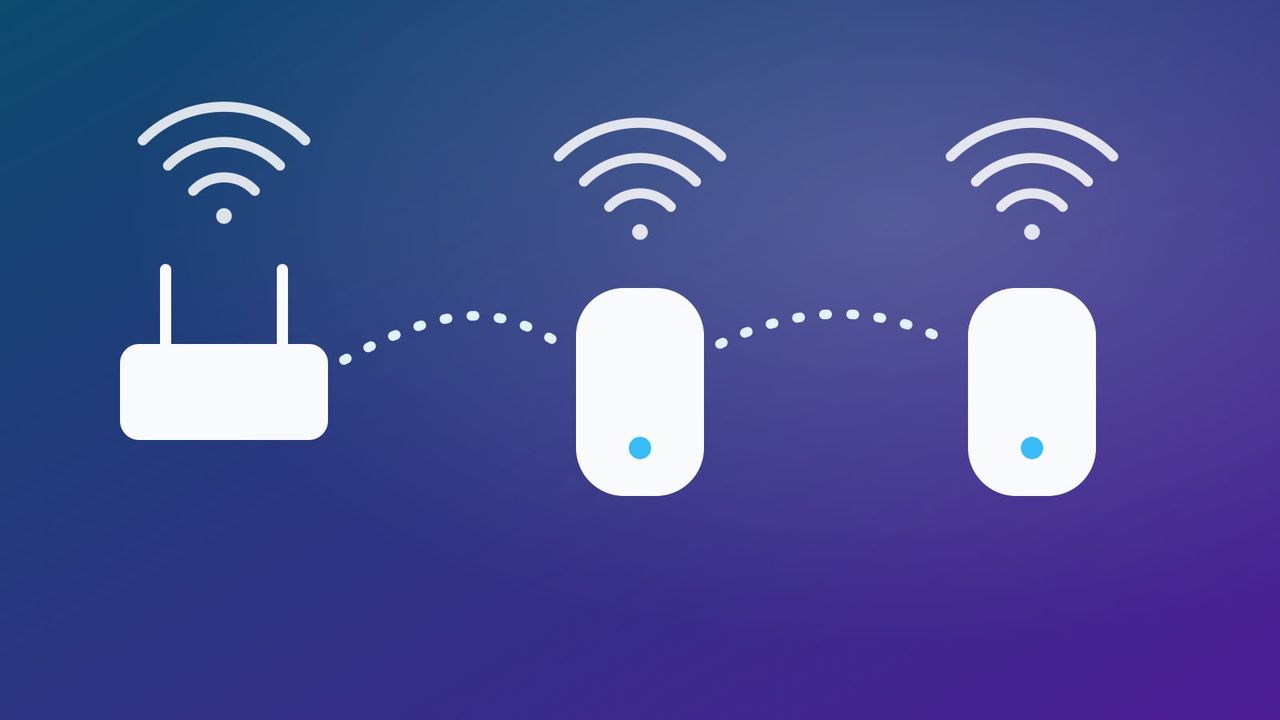
An extender (also called a repeater) connects to your router over Wi-Fi and rebroadcasts the signal further out. Two details matter:
- The speed penalty. A repeater that uses one radio for both jobs has to receive every packet and then send it again on the same channel. That uses twice the airtime, so you get roughly half the bandwidth, a long-standing rule of thumb from independent testing. Dual-band extenders reduce the penalty by talking to the router on one band and to your devices on the other.
- The network name. Netgear extenders, for example, create a separate network ending in “_EXT” by default. You can often rename it to match your router, but then it’s hard to tell which one a device is connected to.
Placement: put the extender about halfway between the router and the dead zone, where the router’s signal is still good, not inside the dead zone itself. Most extenders have a signal light or app reading to help.
How mesh Wi-Fi works
A mesh system is a set of two or more nodes from the same brand that work as one network: one name, one password, and the system hands your phone or laptop to the nearest node as you move around.
- Backhaul is the key word. It’s the link between the nodes. Tri-band systems such as Netgear Orbi use a third radio only for node-to-node traffic, so devices aren’t competing with that link.
- Wired backhaul is best. On TP-Link Deco, for example, plugging an Ethernet cable between nodes switches the backhaul to the wire automatically, and it falls back to Wi-Fi if you unplug it.
- Stick to one family. Mesh nodes generally only work with the same brand, and sometimes the same generation. Google’s Nest Wifi Pro, for example, can’t mesh with older Nest Wifi or Google Wifi units.
How many mesh nodes do you need?
Manufacturers quote coverage “up to” figures per node. Treat them as a best case in an open-plan home:
| System | Per node (claimed) | 3-pack (claimed) |
|---|---|---|
| Google Nest Wifi Pro | up to 2,200 sq ft | up to 6,600 sq ft |
| eero Pro 7 | up to 2,000 sq ft | up to 6,000 sq ft |
| TP-Link Deco X55 | about 2,500 sq ft | about 6,500 sq ft |
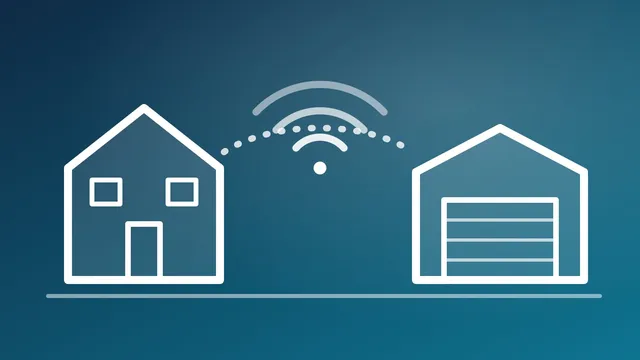
Thick walls, brick, floors and metal all reduce real coverage. A practical starting point is one node per floor, plus one for any far corner or outbuilding (see our guide to Wi-Fi for a detached garage).
Can you mix extenders and mesh?
Sometimes. Two standards let different devices work together:
- TP-Link OneMesh links compatible TP-Link routers with OneMesh extenders and powerline adapters into one network, with updated firmware on both. Check TP-Link’s compatibility list first.
- Wi-Fi EasyMesh is a Wi-Fi Alliance certification meant to let mesh products from different makers work together. Support is still patchy, so check that both your router and the add-on are EasyMesh-certified.
The wired options that beat both
If you can get a cable to the far side of the home, a wired link is faster and more reliable than any wireless hop.
- Ethernet to a second access point or a mesh node in wired-backhaul mode is the best option.
- MoCA adapters send your network over existing TV coax. MoCA 2.5 is rated up to 2.5 Gbps with very low latency, and in a MoCA-sponsored test, wired MoCA backhaul far outpaced wireless mesh backhaul.
- Powerline adapters use your electrical wiring. They’re easy to set up, but speed varies a lot with the wiring in your home.
A common recommendation in home-networking communities is a wired access point upstairs instead of an extender. It’s often the cheapest route to full-speed Wi-Fi when a cable run is possible.
Which should you buy?
- Small apartment, one weak room: a dual-band extender, placed halfway.
- House of about 2,000 sq ft or more, or two-plus floors: a mesh system, ideally with a dedicated backhaul band.
- You can run Ethernet or have coax in the right rooms: a wired access point or wired mesh nodes, using MoCA if there’s coax.
- Smart home devices dropping off? A better network helps, but check the settings first. Our guide to why smart plugs keep going offline covers band steering and WPA3 issues that affect both mesh and extenders.
Setting up smart plugs or cameras on a mesh system? See how to connect smart devices to 2.4 GHz for eero, Nest, Deco and Orbi.
FAQ
Do Wi-Fi extenders cut your speed in half?
Single-radio repeaters roughly do, because they receive and resend every packet on the same channel. Dual-band and tri-band extenders avoid much of that by using different bands for each side, and mesh systems with a dedicated backhaul band avoid it further.
Is mesh Wi-Fi better than an extender for a two-story house?
Usually, yes. A mesh system with a node on each floor gives one network name and hands devices between nodes as you move, which an extender doesn’t do well. If you can wire the second node, even better.
Should I use an access point instead of an extender?
If you can run an Ethernet cable (or use MoCA over coax), yes. A wired access point delivers full speed without the wireless hop that slows an extender.
Why does my extender create a separate “_EXT” network?
Many extenders, including Netgear’s, create their own network name by default so you can tell which device you’re connected to. You can often rename it to match your router, but devices may then cling to the weaker signal.
Can I add an extender to my mesh system?
Only if it’s from the same mesh family, or both devices support the same standard (TP-Link OneMesh or Wi-Fi EasyMesh). Otherwise, add another node from the same mesh system instead.
Browse more Wi-Fi and networking guides.