Nextmug vs Ember: Which Heated Mug Should You Buy?
Nextmug vs Ember compared: temperature settings, battery life, app vs button, lids, cleaning and warranty – and which heated mug makes the better gift.
Disclosure: HomeTechAdviser is reader-supported. We may earn a commission when you buy through links on this page, at no extra cost to you. As an Amazon Associate we earn from qualifying purchases. Read our affiliate disclosure.
In this article
- Nextmug vs Ember at a glance
- Temperature: hotter vs more precise
- App vs button
- Battery life off the coaster
- Lids, cleaning and durability
- Which should you buy?
- FAQ
- Is Nextmug as good as Ember?
- Does Nextmug need an app?
- Can you use an Ember mug without the app?
- Which heated mug has the best battery life?
- Which is the better gift?
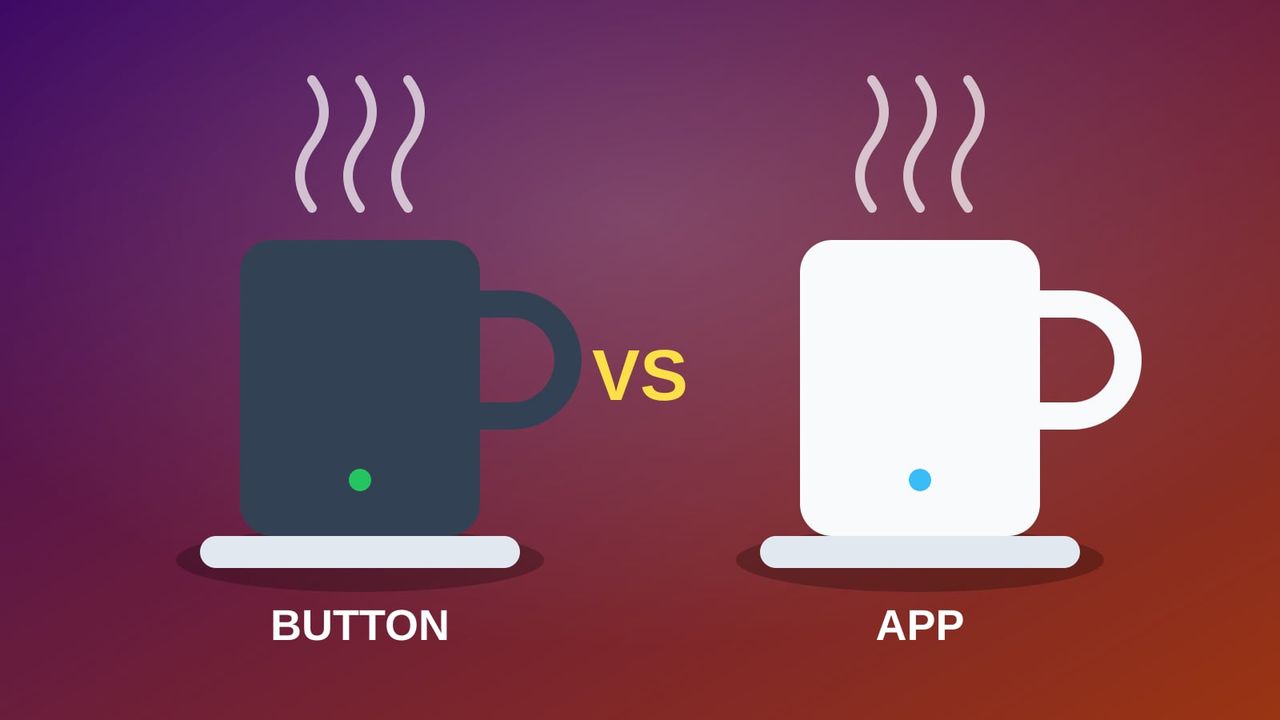
Nextmug vs Ember is the big decision in heated mugs. Both keep your coffee hot on a charging coaster all day, and for a while off it, but they’re designed around very different ideas: Nextmug is a one-button mug with no app, while Ember is a smart mug you can fine-tune from your phone.
Quick answer: choose Nextmug if you want the simplest mug, the hottest setting (up to 150°F), a lid in the box and an 18 oz size option – it also makes the easier gift. Choose the Ember Mug 2 if you want to set an exact temperature, like it to wake up automatically when you pour, and want app extras such as notifications and caffeine logging in Apple Health.
Nextmug vs Ember at a glance
| Nextmug (14 oz / Plus 18 oz) | Ember Mug 2 (10 oz / 14 oz) | |
|---|---|---|
| Temperature control | One button: Warm 130°F, Hot 140°F, Piping 150°F | Any temperature from 120–145°F in the app; 135°F by default |
| App | None – nothing to install | Optional; adds presets, notifications, caffeine logging |
| Turns on | Press the button | Wakes automatically when you pour |
| Battery off the coaster | Not listed by Nextmug; one review measured roughly 40 min (Piping) to 1.4 h (Warm) | Up to 1.5 h (10 oz) or 80 min (14 oz) at 135°F, per Ember |
| Lid | Included | Sold separately |
| Cleaning | Hand wash; don’t immerse the mug or coaster | Hand wash; not dishwasher safe |
| Warranty | 1 year | 1 year |
| Sizes | 14 oz, 18 oz (Plus) | 10 oz, 14 oz (plus Travel Mug and Tumbler) |
A note on Nextmug’s temperatures: current listings show presets of 130, 140 and 150°F, while an early review of the first version reported 135, 140 and 145°F. Check the listing for the version you buy.
Temperature: hotter vs more precise
Nextmug’s top Piping setting reaches 150°F, hotter than Ember’s 145°F maximum, which suits slow sippers and people who like coffee really hot. But you only get three steps.
Ember lets you pick any temperature between 120°F and 145°F in its app and remembers it. If you never install the app, it simply holds 135°F. For people who are fussy about exactly how hot their coffee or tea is, that precision is Ember’s biggest advantage.
App vs button
This is the real dividing line.
- Nextmug has no app and no account. Press the button to cycle through the settings (a further press switches it off). It turns itself off if it detects no liquid for about a minute.
- Ember works without the app, but the app adds editable presets for different drinks, a notification when your drink reaches temperature, and caffeine logging in Apple Health. It also wakes up when you pour and goes to sleep when it’s empty, so there’s no button to remember.
For a gift – especially for someone who doesn’t love apps – Nextmug is the safer choice. For a gadget lover, Ember’s app is part of the appeal.
Battery life off the coaster
Both mugs keep a drink hot indefinitely while they sit on their charging coasters. Off the coaster:
- Ember Mug 2: up to 1.5 hours (10 oz) or 80 minutes (14 oz) at 135°F, according to Ember. Real-world runtime is shorter at higher temperatures or with a fuller mug.
- Nextmug: Nextmug doesn’t publish a figure for the 14 oz mug. One hands-on review measured about 40 minutes on Piping, 1.2 hours on Hot and 1.4 hours on Warm (that review may cover an earlier version). The Nextmug Plus has two 3,200 mAh batteries and LEDs that show the battery level and current temperature.
On a work desk, the coaster matters more than the battery: keep it where you sit, and either mug stays hot through back-to-back meetings.
Lids, cleaning and durability
- Lids: Nextmug includes a lid; Ember’s Sliding Lid is sold separately.
- Cleaning: both are hand wash only – the electronics are in the base. Nextmug’s manual says not to immerse the mug or the coaster in water. Neither mug goes in the microwave (Ember warns of a fire risk).
- Durability: both carry a 1-year warranty. Owner reviews of both brands mention batteries fading over time and occasional charging-contact problems, so keep the receipt and register the warranty.
Which should you buy?
Nextmug 14 oz
The easy pick for most people and most gift lists. It’s simple enough for anyone to use on day one, and it gets hotter than Ember.
- Pro: One button, no app or account
- Pro: Hottest setting: Piping 150°F
- Pro: Lid included
- Con: Only three temperature settings
- Con: You turn it on yourself – it doesn't wake when you pour
Nextmug Plus 18 oz
For big coffee drinkers, or anyone who tops up tea through a long work block.
- Pro: 18 oz – the largest of these mugs
- Pro: Shows battery level and current temperature
- Pro: Same 130/140/150°F presets
- Con: Larger and heavier on the desk
Ember Mug 2
The pick for people who want exact control and smart features. The 10 oz size runs longer off the coaster; the 14 oz holds a full mug.
- Pro: Any temperature from 120–145°F
- Pro: Wakes when you pour, sleeps when empty
- Pro: Optional app with presets, notifications and Apple Health logging
- Pro: Two sizes (10 and 14 oz) and many colors
- Con: Lid sold separately
- Con: Lower maximum temperature than Nextmug
Need it on the go? Ember’s Travel Mug 2+ (12 oz) is rated for up to 3 hours of battery and works with Apple’s Find My. For more options – including cheaper mug warmer plates – see our guide to the best heated coffee mug for a home office.
FAQ
Is Nextmug as good as Ember?
For keeping coffee hot, yes – and it gets hotter (150°F vs 145°F). Ember is better if you want precise temperature control, automatic wake-up when you pour, and app features. Nextmug is simpler and includes a lid.
Does Nextmug need an app?
No. Nextmug is controlled entirely by a button on the mug, with three preset temperatures. There’s no app or account.
Can you use an Ember mug without the app?
Yes. Out of the box it holds 135°F. The app is only needed to change the temperature, set presets or get notifications.
Which heated mug has the best battery life?
Ember lists up to 1.5 hours for the 10 oz Mug 2 and 80 minutes for the 14 oz, while the Ember Travel Mug 2+ is rated for up to 3 hours. Nextmug doesn’t publish a figure for its 14 oz mug; one review measured roughly 40 minutes to 1.4 hours depending on the setting.
Which is the better gift?
Nextmug for most people, because there’s nothing to set up and the lid is included. Ember for gadget lovers who’ll enjoy the app. See more ideas in our gifts for remote workers and holiday gift guide.
Browse more home office guides.