How to Choose a Standing Desk: The Complete Buying Guide
How to choose a standing desk: the height range, motor type, stability, weight capacity and desktop size to check before you buy – plus a checklist.
Disclosure: HomeTechAdviser is reader-supported. We may earn a commission when you buy through links on this page, at no extra cost to you. As an Amazon Associate we earn from qualifying purchases. Read our affiliate disclosure.
In this article
- 1. Height range: the most important spec
- 2. Single motor vs dual motor
- 3. Stability (wobble)
- 4. Weight capacity
- 5. What size standing desk do you need?
- 6. Features worth paying for
- 7. Don’t forget the accessories
- How long should you stand?
- Quick checklist
- FAQ
- What height range should a standing desk have?
- Is a dual motor standing desk worth it?
- How do I stop a standing desk from wobbling?
- How long should I stand at a standing desk?
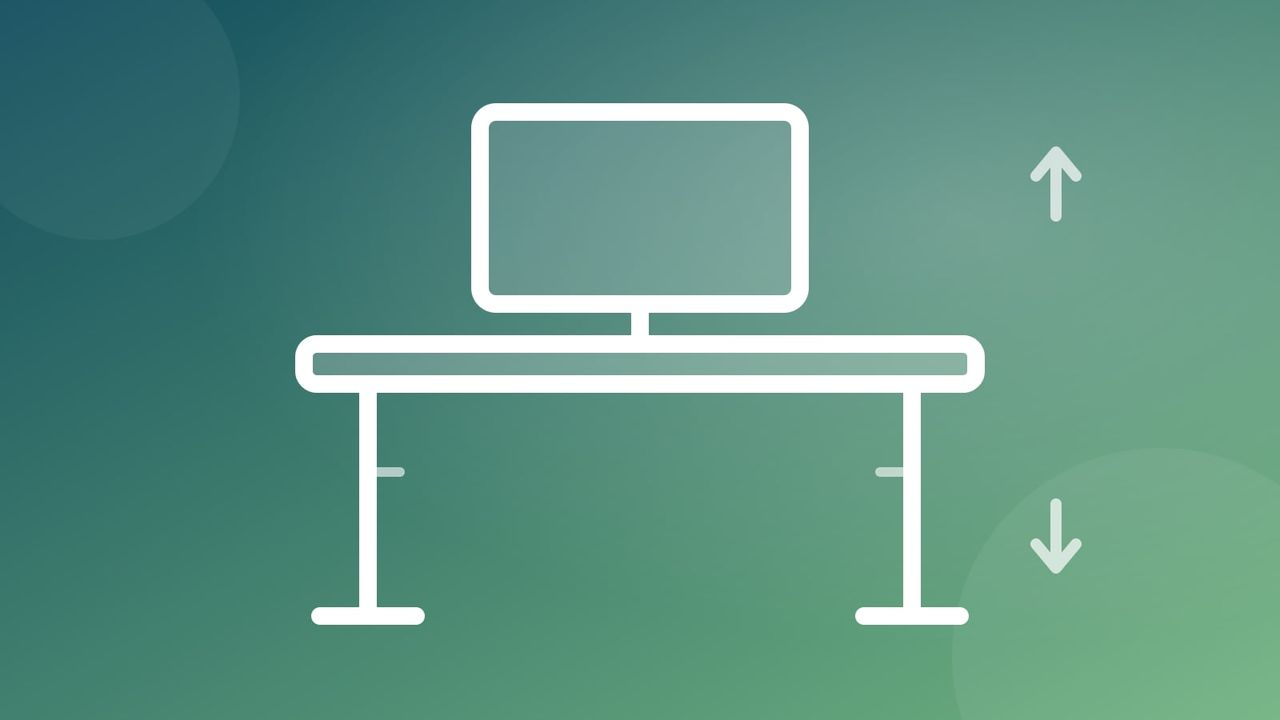
A good standing desk is one of the best upgrades you can make to a home office – but only if it fits your body, your space and your equipment. A wobbly desk that won’t go low enough for you to sit properly is worse than no standing desk at all.
Quick answer: choose a standing desk whose height range covers both your sitting and standing elbow heights, with a dual-motor frame if you’ll load it with more than one monitor. Look for a crossbar or three-stage legs for stability, a desktop at least 24” deep, memory presets, anti-collision and a frame warranty of 5 years or more.
This guide explains how to choose a standing desk step by step: every specification that matters, in the order you should think about it. When you’re ready, the rest of our home office guides cover the accessories that go with it.
1. Height range: the most important spec
Your desk surface should sit at roughly elbow height with your shoulders relaxed and forearms parallel to the floor – both when sitting and standing. That means the height range has to cover two numbers that depend on your height:
| Your height | Approx. sitting desk height | Approx. standing desk height |
|---|---|---|
| 5’2” (157 cm) | 23–25” (58–64 cm) | 38–40” (97–102 cm) |
| 5’8” (173 cm) | 26–28” (66–71 cm) | 42–44” (107–112 cm) |
| 6’0” (183 cm) | 27–29” (69–74 cm) | 44–46” (112–117 cm) |
| 6’4” (193 cm) | 29–31” (74–79 cm) | 47–49” (119–124 cm) |
These are rough guides that assume typical shoes and chair setup. Measure your own elbow height to be sure, and add about an inch (2–3 cm) for the thickness of your keyboard.
Shorter users should pay particular attention to the minimum height – many desks bottom out around 28–29”, which is too high to sit at comfortably. Taller users should check the maximum: a three-stage leg frame usually offers a wider range than a two-stage one.
2. Single motor vs dual motor
- Single motor desks drive both legs from one motor via a shaft. They’re cheaper but slower, often louder, and typically carry less weight.
- Dual motor desks have a motor in each leg. They lift faster and more smoothly, handle heavier loads and generally last longer.
Manufacturers commonly rate single-motor frames for roughly 150–220 lb and dual-motor frames for 300 lb or more, though it varies by model. If you’ll put more than one monitor, a desktop computer or heavy speakers on the desk, choose dual motor.
3. Stability (wobble)
Every standing desk wobbles a little at full height – physics is unavoidable – but good designs minimise it. Things that help:
- A crossbar or cross-brace between the legs
- Three-stage legs with larger, overlapping columns
- Wider feet that extend close to the edge of the desktop
- A thicker, deeper desktop (at least 24”/60 cm deep)
Monitor arms clamped to the back edge amplify wobble, so stability matters more if you use them.
4. Weight capacity
Add up everything that will sit on the desk: monitors (and arms), computer, speakers, lamp, plus the weight of the desktop itself if it’s sold separately. Then add a healthy margin. Motors work harder and wear faster near their limit, so a desk rated for twice your load is a good target.
5. What size standing desk do you need?
A desktop around 48–60” wide (120–150 cm) suits most single-monitor setups; go wider for dual monitors. Depth of 28–30” (70–76 cm) gives your eyes a comfortable distance from larger screens.
The quickest way to size a work-from-home desk is to add up the screens. A 16:9 monitor is roughly 87% as wide as its diagonal:
| Your setup | Screen width | Desktop to look for |
|---|---|---|
| Laptop only | about 12–14” | 40–48” wide × 24” deep |
| One 24” monitor + laptop | about 21” + 13” | 48–55” wide × 24–28” deep |
| One 27” monitor | about 23.5” | 55” wide × 28” deep |
| Two 24” monitors | about 42” | 55–60” wide × 28–30” deep |
| Two 27” monitors | about 47” | 60–72” wide × 30” deep |
Leave a few inches either side of the screens for speakers, a lamp or a dock. Measure the floor space too: the desk needs clearance behind it for cables and in front for your chair.
Laminate is affordable and durable. Solid wood and bamboo look great but cost more and can be heavier. Check that pre-drilled holes line up with the frame if you buy them separately.
6. Features worth paying for
- Memory presets so you can switch between sitting and standing heights at the touch of a button
- Anti-collision detection that stops the desk if it hits something (or someone) on the way down
- A long warranty – 5 years or more on the frame and motors is a good sign of quality
- Cable management tray to keep cords from snagging as the desk moves
7. Don’t forget the accessories
Standing on a hard floor for long periods is tiring. An anti-fatigue mat makes a noticeable difference, and a monitor arm makes it much easier to keep your screen at eye level in both positions.
You can browse electric standing desks on Amazon to compare current prices and reviews.
How long should you stand?
Standing all day isn’t the goal – movement is. Most ergonomics advice suggests alternating between sitting and standing regularly throughout the day rather than standing for hours at a time. Start with short standing periods and build up gradually, and listen to your body.
Quick checklist
- Does the height range cover both your sitting and standing elbow heights?
- Single or dual motor – does the weight capacity have a comfortable margin?
- Is there a crossbar or three-stage frame for stability?
- Is the desktop big enough for your monitors and deep enough for your eyes?
- Memory presets, anti-collision and a long warranty?
Get these right and you’ll have a desk you’ll happily use for a decade.
FAQ
What height range should a standing desk have?
It must reach roughly your elbow height both sitting and standing. For someone 5’8”, that’s about 26–28” sitting and 42–44” standing. Shorter people should check the minimum height, because many desks only go down to 28–29”.
Is a dual motor standing desk worth it?
Usually, yes, if you have more than one monitor, a desktop computer or other heavy gear. Dual-motor desks lift faster and more smoothly, and are commonly rated for 300 lb or more, compared with roughly 150–220 lb for single-motor frames.
How do I stop a standing desk from wobbling?
Choose a frame with a crossbar, three-stage legs and wide feet, and a desktop at least 24” deep. Clamping monitor arms to the back edge adds wobble, so stability matters more if you use them.
How long should I stand at a standing desk?
Alternate between sitting and standing through the day rather than standing for hours. Start with short standing periods and build up gradually.
Buying a desk for someone else? A standing desk mat, monitor arm or footrest makes a great add-on – see our gifts for people who work from home and the full holiday gift guide.