Best Smart Plug for a Christmas Tree (Matter, Alexa, Google & Apple Home)
The best smart plug for a Christmas tree: indoor plugs that switch tree lights on a schedule or by voice, compared for Matter, Alexa, Google and Apple Home.
Disclosure: HomeTechAdviser is reader-supported. We may earn a commission when you buy through links on this page, at no extra cost to you. As an Amazon Associate we earn from qualifying purchases. Read our affiliate disclosure.
In this article
- Compared at a glance
- The picks
- How much power do Christmas tree lights use?
- Matter, Alexa, Google or Apple Home?
- Schedules that work well for a tree
- FAQ
- Is it safe to plug Christmas tree lights into a smart plug?
- Can Alexa turn a Christmas tree on automatically?
- Can one smart plug control several light strings?
- Will a smart plug work with lights that have a remote or light modes?
- Why won’t my smart plug connect to Wi-Fi?
- Should I turn the tree lights off at night?
- Do I need an outdoor smart plug for a tree on the porch?
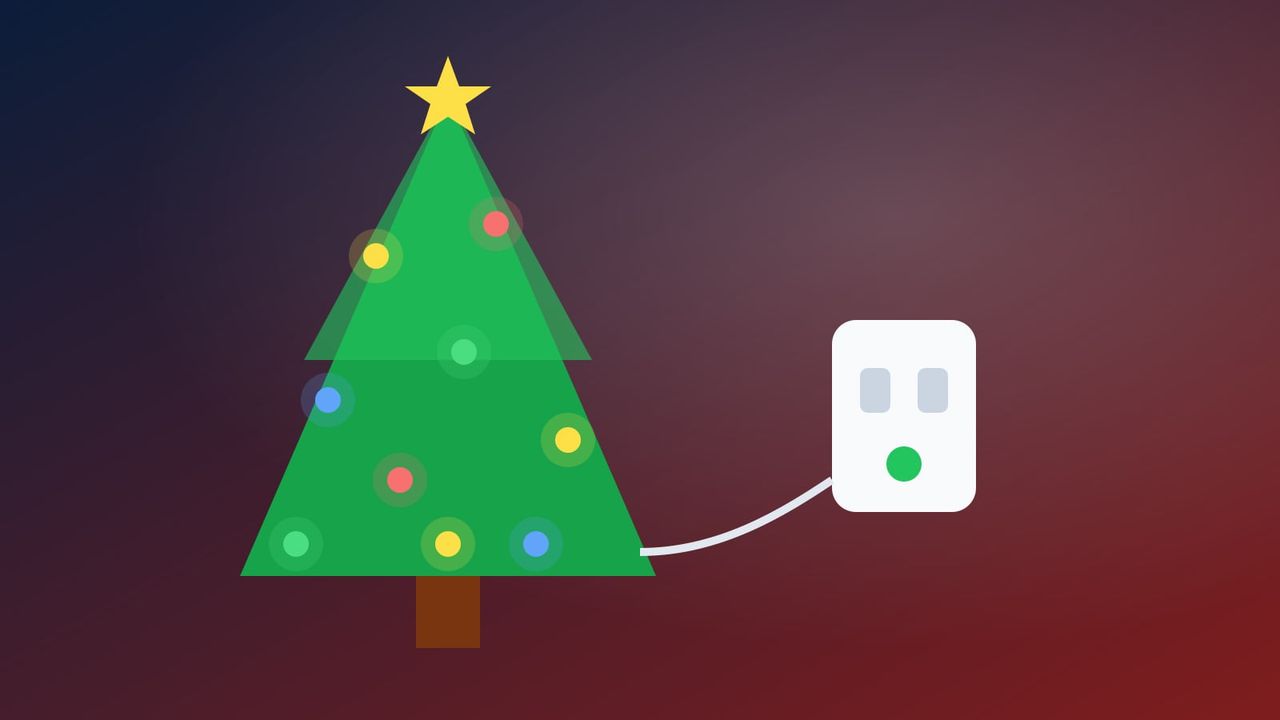
A smart plug for a Christmas tree is the easiest way to stop crawling behind the branches to find the switch. The tree lights come on when you wake up or get home, switch off at bedtime, and you can say “Alexa, turn on the Christmas tree” any time in between.
Quick answer: for most homes, get the Tapo P125M. It supports Matter, so it works with Alexa, Google Home and Apple Home, and it’s rated for 15 A / 1,800 W, far more than tree lights need. If you’d like to see how much power your tree uses, choose the Kasa KP125M. If your home runs entirely on Alexa, the Amazon Smart Plug is the simplest setup.
These are indoor plugs. For lights on the porch, roofline or yard, see our guide to outdoor smart plugs for Christmas lights.
Compared at a glance
| Product | Works with | Rated load | Extra |
|---|---|---|---|
| Best for most homesTapo P125MCheck price | Matter: Apple Home, Alexa, Google, SmartThings | 15 A / 1,800 W | Compact; works locally if internet drops |
| Energy monitoringKasa KP125MCheck price | Matter: Apple Home, Alexa, Google, SmartThings | 15 A / 1,800 W | Shows power use in the app |
| Native HomeKitKasa EP25Check price | Apple HomeKit, Alexa, Google | 15 A | HomeKit without a Matter hub |
| Alexa homesAmazon Smart PlugCheck price | Alexa only | See listing | Set up entirely in the Alexa app |
The picks
Tapo P125M Matter Smart Plug Mini
Matter support is the reason this is our default pick: it isn’t locked to one voice assistant, and TP-Link notes that Matter devices on your home network keep working even if the internet goes down. Its small body fits behind a tree stand or a crowded power strip.
- Pro: Matter: works with Apple Home, Alexa, Google Home and SmartThings
- Pro: 15 A / 1,800 W rating, UL certified
- Pro: Compact – doesn't block the second outlet
- Con: 2.4 GHz Wi-Fi only
- Con: Usually sold in multipacks
Kasa Matter Smart Plug with Energy Monitoring (KP125M)
Curious whether your tree really costs pennies to run? Energy monitoring shows the actual wattage in the Kasa app – useful for spotting an old incandescent string worth replacing with LEDs.
- Pro: Matter compatible
- Pro: Energy monitoring shows real power use
- Pro: 15 A / 1,800 W rating
- Con: 2.4 GHz Wi-Fi only
Kasa Smart Plug Mini (EP25)
A good choice for iPhone households that want to add the tree to the Home app and use Siri, without relying on Matter.
- Pro: Apple HomeKit, Alexa and Google Assistant
- Pro: Compact 15 A plug
- Pro: Schedules and away mode in the Kasa app
- Con: 2.4 GHz Wi-Fi only
Amazon Smart Plug
If you already talk to an Echo every day, this is the least fiddly option: plug it in, follow the Alexa app, and add the tree to your morning and evening routines.
- Pro: Set up and control entirely in the Alexa app
- Pro: No hub needed
- Con: Works with Alexa only
- Con: Indoor use only; 2.4 GHz Wi-Fi
How much power do Christmas tree lights use?
Very little, if they’re LED. Check the wattage printed on the box or the tag near the plug and add up every string on the tree. A 15 A plug handles 1,800 W at 120 V, and for lights left on for hours a sensible rule of thumb is to stay under about 80% of that. LED trees almost never come close. Older incandescent strings use far more, so if you still have some, energy monitoring is a quick way to see the difference.
Matter, Alexa, Google or Apple Home?
- Matter plugs (Tapo P125M, Kasa KP125M) work with all the major systems. To use Matter you need a compatible controller, such as a recent Echo, a Google Nest speaker or display, or an Apple TV or HomePod. Otherwise, just use the brand’s app.
- Alexa only: the Amazon Smart Plug is the simplest choice.
- Apple Home without Matter: the Kasa EP25 supports HomeKit directly.
Schedules that work well for a tree
- Morning and evening: on at 6:30–8 am and again from late afternoon to bedtime.
- Sunset: most apps let you switch on at sunset, which tracks the shortening days automatically.
- Away mode: randomly switches the tree on and off while you’re traveling, so the house looks lived-in.
Prefer a simple timer instead? Our guide to putting Christmas lights on a timer covers mechanical and dusk-to-dawn options too.
For step-by-step Alexa, Google Home and Apple Home setups, see our routines for Christmas lights.
FAQ
Is it safe to plug Christmas tree lights into a smart plug?
Yes, as long as the lights are in good condition and the total load stays within the plug’s rating. A smart plug simply switches power on and off, like the tree’s own switch.
Can Alexa turn a Christmas tree on automatically?
Yes. Add the plug to the Alexa app, name it “Christmas tree”, then create a routine or schedule. All four plugs here work with Alexa.
Can one smart plug control several light strings?
Yes, if the strings are connected end-to-end within the light manufacturer’s limit, or plugged into a power strip that is itself plugged into the smart plug. Keep the total load within the plug’s rating.
Will a smart plug work with lights that have a remote or light modes?
Usually, but check first. A smart plug only cuts and restores power, so lights with modes like twinkle or chase may come back in their default mode, and some battery or remote-controlled sets stay off after a power cut. Unplug and replug your lights once: if they come back on steadily, a smart plug will work.
Why won’t my smart plug connect to Wi-Fi?
Most smart plugs, including Tapo and Kasa models, only use 2.4 GHz Wi-Fi. If your router uses one network name for both bands, setup can fail. TP-Link suggests moving the plug closer to the router, turning off band steering (“Smart Connect”) and using WPA2 on the 2.4 GHz band. Our guide to why smart plugs go offline covers every fix.
Should I turn the tree lights off at night?
Yes. NFPA reports that US fire departments respond to an average of 155 home fires a year that start with Christmas trees, and electrical or lighting equipment is involved in about 4 in 10 of them. A schedule that switches the tree off at bedtime and when you’re out is an easy safeguard.
Do I need an outdoor smart plug for a tree on the porch?
Yes. Anything outside needs a weather-rated plug and a GFCI outlet. Our outdoor smart plug guide covers those.
More holiday ideas: our holiday gift guide, our Black Friday smart home deals picks and all our smart home guides.
Check current prices on Amazon
Prices and deals change quickly – Amazon shows the current price at checkout.