How to Make Outdoor Christmas Lights Smart (Phone, Voice and Sunset Schedules)
How to make outdoor Christmas lights smart in 10 minutes with an outdoor smart plug: sunset schedules, Alexa, Google or Apple Home, plus lights that won't work.
Disclosure: HomeTechAdviser is reader-supported. We may earn a commission when you buy through links on this page, at no extra cost to you. As an Amazon Associate we earn from qualifying purchases. Read our affiliate disclosure.
In this article
- What you need
- Step 1: check your lights will work
- Step 2: install the plug
- Step 3: set lights to turn on at sunset
- Step 4: add voice control
- No Wi-Fi at the outlet? Use a photocell timer
- Or replace the lights with smart lights
- FAQ
- Can you make regular Christmas lights smart?
- Will a smart plug work with Christmas lights that have a remote?
- Can outdoor Christmas lights turn on automatically at sunset?
- Do I need a hub for an outdoor smart plug?
- How many Christmas lights can I plug into a smart plug?
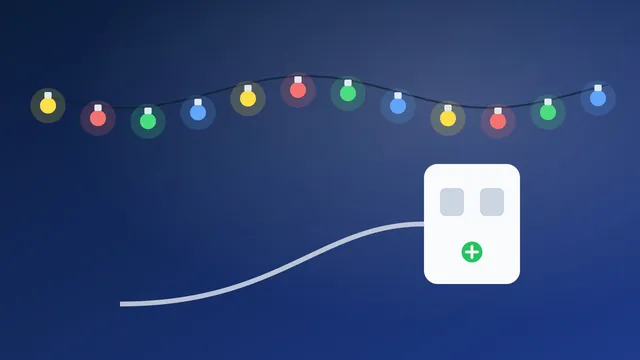
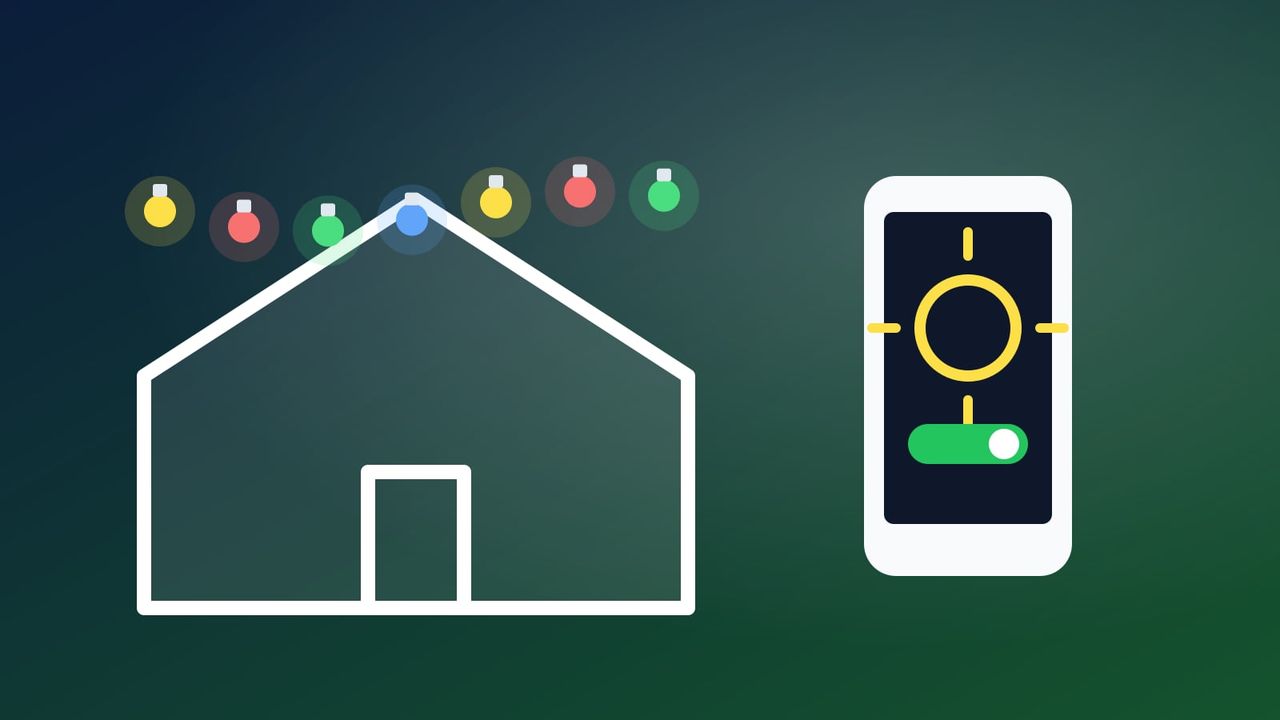
You don’t need new lights to make outdoor Christmas lights smart. The simplest way is to plug the lights you already own into an outdoor smart plug. Once you’ve done that, you can switch them from your phone, ask Alexa, Google or Siri to turn them on, and set them to come on at sunset and go off at bedtime automatically. Setup takes about 10 minutes.
Quick answer: plug an outdoor-rated smart plug such as the Kasa EP40M into a GFCI-protected outdoor outlet, then plug your lights into it. Add the plug to its app on your 2.4 GHz Wi-Fi, create a schedule that turns the lights on at sunset (with an offset if you like) and off at a set time. Then link the plug to Alexa, Google Home or Apple Home if you want voice control. First check that your lights come back on when power returns.
What you need
- An outdoor smart plug. It must be rated for outdoor use. Look for an IP rating: IP64 resists splashes and is dust-tight, while IP65 also resists water jets. Our outdoor smart plug guide compares the best options.
- A GFCI-protected outdoor outlet. ESFI (the Electrical Safety Foundation International) advises plugging outdoor decorations into GFCI-protected circuits, or using a portable outdoor GFCI.
- 2.4 GHz Wi-Fi that reaches the outlet. Most smart plugs only connect on 2.4 GHz. Stand at the outlet with your phone and check the signal. If it’s weak, see our guide to mesh Wi-Fi vs extenders.
- Lights within the plug’s rating. Many outdoor plugs are rated around 15 A. For lights left on for hours, stay under about 1,440 W (80% of 1,800 W). Our Christmas lights calculator does the math.
Step 1: check your lights will work
A smart plug works by cutting and restoring power. That’s fine for most plug-in light strings, but not all of them:
- Strings with a mode controller or remote may come back in a different mode, or stay off, when power returns.
- Battery-powered strings can’t be controlled by a plug at all.
A quick test: plug the lights in, set the mode you want (usually steady-on), unplug them for a few seconds, then plug them back in. If they come back on in that mode, a smart plug will work. If they stay off, use a different string, or choose smart lights with their own app instead (see below).
Step 2: install the plug
- Plug the smart plug into the GFCI outdoor outlet and close the weather cover on any unused socket.
- Install the brand’s app (Kasa or Tapo for TP-Link plugs) and follow its setup, connecting the plug to your 2.4 GHz network.
- Plug your lights into the smart plug. Use outdoor-rated extension cords, and keep connections off the ground and away from standing water and snow.
Kasa Matter Smart Outdoor Plug (EP40M)
Two independently controlled outlets let the roofline and the yard decorations run on different schedules. Matter support means you aren’t locked into one voice assistant.
- Pro: Two outlets you can schedule separately
- Pro: IP64 weather rating
- Pro: Matter: works with Alexa, Google Home, Apple Home and SmartThings
- Con: 2.4 GHz Wi-Fi only
Step 3: set lights to turn on at sunset
A sunset schedule follows the season automatically. Lights come on earlier as December days get shorter, with no clock to reset. Set your home location in the app first, because sunset times depend on it.
- Kasa app: open the plug, tap Schedule → +, choose Sunset, set an offset if you want (for example +15 minutes), pick the days and save. Add a second schedule to switch off at a fixed time. Kasa uses the location in Me → Settings → Location and Time.
- Tapo app: open the plug, go to Schedule, add a schedule, choose Sunrise/Sunset and set an offset. Use Smart → + → Automation to control several devices at once.
- Alexa app: create a routine (More → Routines → +). Third-party guides describe using a Schedule trigger set to Sunset, then adding the plug as the action. You’ll need a second routine for the off time.
- Google Home app: use a Household routine with the Sunrise/sunset starter. This needs your home address set, and only people with admin access can create it.
- Apple Home app: tap + → Add Automation → A Time of Day Occurs → Sunset, with an optional offset of 15 minutes to 4 hours. Apple Home automations need a home hub (Apple TV or HomePod).
Our guide to Alexa and Google Home routines for Christmas lights goes further, with voice phrases, groups and “goodnight” routines.
Step 4: add voice control
- Alexa: add the plug through the brand’s skill or as a Matter device, and name it something easy like “Christmas lights”. Then say “Alexa, turn on the Christmas lights”.
- Google Home and Apple Home: with a Matter plug like the EP40M or Tapo P400M, you can add it directly using the Matter code. You’ll need a Matter controller in that ecosystem, such as a recent Nest speaker or display, or a HomePod or Apple TV for Apple Home. To use the same plug in a second ecosystem, generate a new pairing code from the first app, because the code on the box only works once.
No Wi-Fi at the outlet? Use a photocell timer
If your Wi-Fi doesn’t reach the yard, a dusk-to-dawn photocell timer gives you most of the benefit with no app. It switches on when it gets dark and off at dawn or after a set number of hours.
Woods 50013WD Outdoor Digital Photocell Timer
A simple, reliable option for outlets far from the router. Our guide to putting Christmas lights on a timer compares all three approaches.
- Pro: On at dusk; off at dawn or after 1–9 hours
- Pro: No app, account or Wi-Fi
- Con: No phone or voice control
- Con: The sensor must see daylight, away from porch lights
Or replace the lights with smart lights
If you want colours, effects and music sync, smart light strings (for example from Govee or Twinkly) have their own apps and voice control, and some newer Govee strings support Matter. They cost more than a smart plug and only control themselves, so for ordinary lights you already own, a smart plug is the cheaper route.
FAQ
Can you make regular Christmas lights smart?
Yes. Plug them into a smart plug and control the plug. Outdoors, use an outdoor-rated plug in a GFCI-protected outlet. Check first that the lights come back on by themselves when power is restored.
Will a smart plug work with Christmas lights that have a remote?
Sometimes. Many remote-controlled sets need the remote to turn back on after a power cut, or return in a different mode. Do the unplug-and-replug test: if the lights come back on steadily, the smart plug will work.
Can outdoor Christmas lights turn on automatically at sunset?
Yes. Kasa, Tapo, Alexa, Google Home and Apple Home all support sunset schedules, usually with an offset such as “sunset + 15 minutes”. Set your home location in the app so the sunset time is correct.
Do I need a hub for an outdoor smart plug?
Not for the brand’s own app, because the plug connects straight to your Wi-Fi. To use a Matter plug in Google Home or Apple Home, you need a Matter controller such as a Nest speaker, HomePod or Apple TV, which many homes already have.
How many Christmas lights can I plug into a smart plug?
Check the plug’s rating, often 15 A. For lights on for hours, keep the total under about 1,440 W. Our Christmas lights calculator adds it up for you.
More holiday ideas: our holiday gift guide and Black Friday smart home deals.